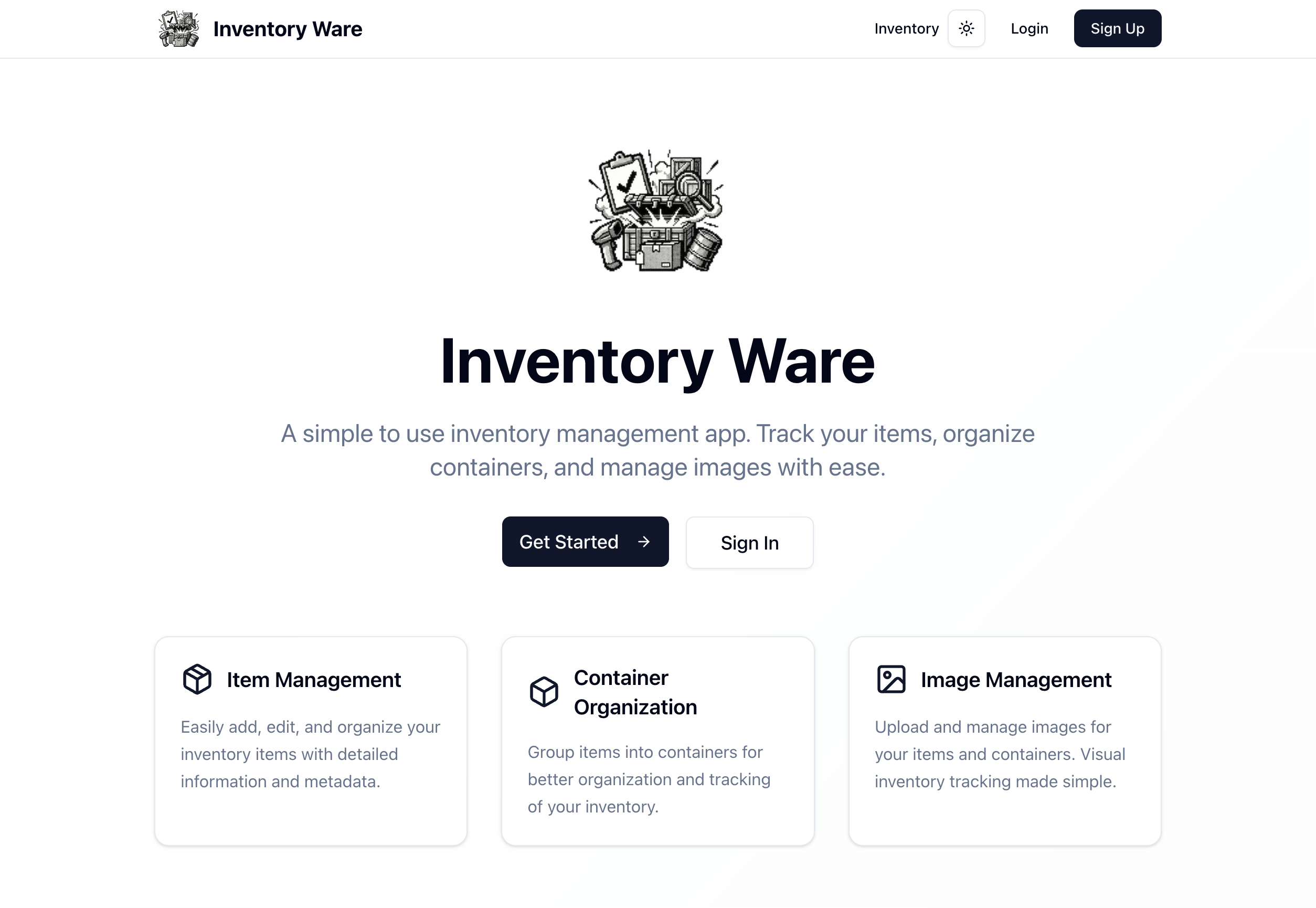
Overview
Inventory Ware is an open-source, self-hosted inventory app for tracking the things you own. Photograph a shelf, a drawer, or a toolbox; label what's in the picture; and get a searchable record of every item and where it lives.
It runs entirely on your own hardware — a single container with the web app, database, and file storage inside it. Your photos and your inventory stay on your machine.
Two interfaces, one inventory
The web app is the place to capture and browse: upload photos, work through the labeling wizard, file items into containers, and search everything you own by name, category, or type.
The iw CLI covers the same ground from a terminal. Items, containers, and images
all have full create/read/update/delete commands, one shared set of query flags, and a
consistent JSON envelope — so bulk imports, backups, and reports are a shell script away
rather than an afternoon of clicking.
How it works
Photograph. Upload one image or a batch. A picture of a whole shelf is the intended unit — you aren't expected to shoot every item individually.
Identify. Label what's in the photo yourself, or let optional AI image analysis do a first pass: it finds the items in the frame, draws a bounding box around each one, and proposes a label, category, and type. You review its suggestions in a wizard and correct anything it got wrong before it becomes a record. The AI is a labeling assistant, not a requirement — configure no key and every other part of the app works exactly the same.
Organize. Items carry a label, name, notes, manufacturer, a three-level category
(functional → specific → type), and any custom name=value attributes you want. File
them into containers — a bin, a shelf, a room — so "where is it?" has an answer.
Find. Free-text search plus filters on container, image, category, and type, in both the web app and the CLI.
From the command line
iw login                              # cache a session token
iw image upload shelf.jpg --analyze   # upload and run analysis in one step

iw item create --label Drill --functional Tools \
  --specific "Power Tools" --type Drill \
  --attr voltage=18V --attr color=blue

iw item list -q drill --sort itemLabel --per-page 20
iw container items abc123 --all       # everything in one bin
iw item list --json | jq -r '.items[].itemLabel'
Every list command — item list, container list, image list, container items —
takes the same flags (--search, --sort, --expand, --fields, --all, --count,
--json), and every one emits the same JSON envelope, so a single jq expression works
across all of them. Errors are specific rather than generic: a bad --sort field prints
a "did you mean" hint and the valid field list, and exit codes distinguish usage (2)
from not-found (3), auth (4), and network failures (5).
Features
- Image-based capture — photograph a shelf, label the items in it, keep the photo attached to the records it produced
- Optional AI analysis — OpenAI or Google Gemini identifies and boxes items in a photo and proposes labels for your review; fully optional
- Containers — bins, shelves, rooms; every item knows where it lives
- Rich item records — three-level categories, manufacturer, notes, and arbitrary custom attributes
- A complete CLI —
iwdoes everything the web app does, with scriptable JSON output - Search and filter — free text plus category, type, container, and image filters
- Per-user data — access rules scope every record to the account that owns it
- Self-hosted — SQLite and local file storage, all inside one container
Getting started
Both options below run the full app and keep your data between restarts.
Option 1: Single container (simplest)
Runs the web app, PocketBase, and nginx in one container, and auto-creates your admin account on first boot.
docker run -d \
  --name inventory-ware \
  -p 8888:80 \
  -v data:/data \
  -e POCKETBASE_ADMIN_EMAIL=admin@example.com \
  -e POCKETBASE_ADMIN_PASSWORD=change-this-password \
  ghcr.io/make-ware/inventory-ware:latest
Then open http://localhost:8888; the PocketBase admin UI lives at
http://localhost:8888/_/. All data — database and uploads — persists in a Docker
volume named data.
The monolith is mirrored to Docker Hub as dastron/inventory-ware if you prefer to pull
from there.
Option 2: Docker Compose (split services)
Runs the web app and PocketBase as separate containers. From the docker directory:
docker compose up -dWith Compose you create the first admin account yourself in the PocketBase admin UI. The
web app is on http://localhost:3000 and PocketBase on http://localhost:8090/_/. Stop
everything with docker compose down.
Enable AI image analysis (optional)
Add a provider key to the container. With exactly one key present, that provider is selected automatically:
  -e OPENAI_API_KEY=your-openai-api-key \
  # ...or...
  -e GEMINI_API_KEY=your-gemini-api-key \
AI_PROVIDER (openai or google) picks between them when both keys are set, AI_MODEL
overrides the model, and AI_BASE_URL points at a compatible endpoint — a proxy, Azure,
or a local inference server. With no key configured the app runs normally and the analysis
routes answer 503 AI_NOT_CONFIGURED.
Install the CLI
brew tap make-ware/tap && brew install iw
iw login
Point it at your server with APP_URL, or --url for a single invocation:
export APP_URL=https://inventory.example.comNot on Homebrew? Every
GitHub release ships a standalone
iw build (Node.js >= 22 at runtime). The
CLI guide has the
full command and flag reference.
License
Inventory Ware is released under the MIT License — use it, modify it, and self-host it however you like.